
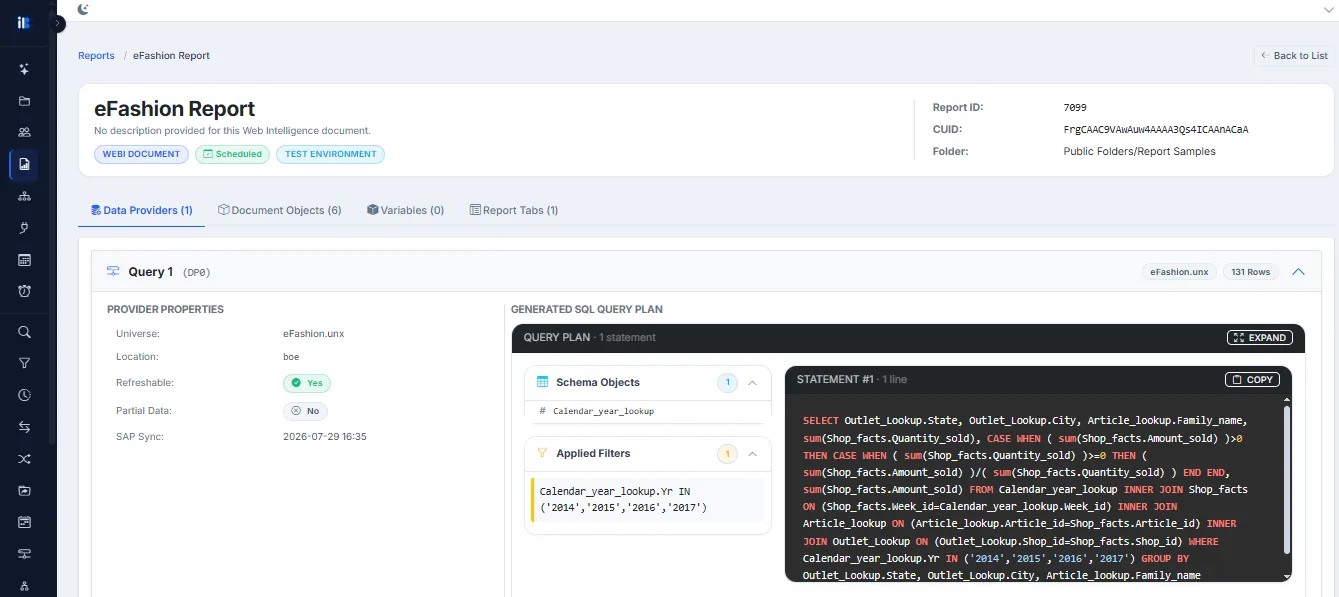
Trace the chain from connection to report
Identify relationships between connections, universes, objects and reports in one view.
- Connection
- Universe
- Objects
- Report
Dependency: what does this report rely on?
Read the chain left to right to see what a report relies on: the objects, universe and connection behind it.
Impact: what breaks if this changes?
Read the chain right to left. Start from a connection, universe or a single object and see every report that uses it, before you change it.
See it on your own BusinessObjects landscape
A 30-minute walkthrough using your own environment. Nothing to prepare on your side.
AI-powered. Read-only. Ready today.